 Skip to main content





Designed to support smoother navigational preparation
Access trusted navigational guidance with greater ease
ADSD delivers the same trusted Admiralty Sailing Directions content customers already rely on, presented in a more accessible and intuitive digital format that supports efficient access to navigational information.
See navigational information in context
By displaying Sailing Directions content alongside geographic information, ADSD helps bridge teams build a clearer understanding of routes, locations and navigational features.
Find important information faster
Search and bookmarking capabilities help users quickly locate, save and revisit relevant guidance, reducing time spent manually searching through publications.
Enhance situational awareness
Integrated coastal views, landmarks and navigational aids help users better understand their surroundings and support route familiarisation throughout the voyage.
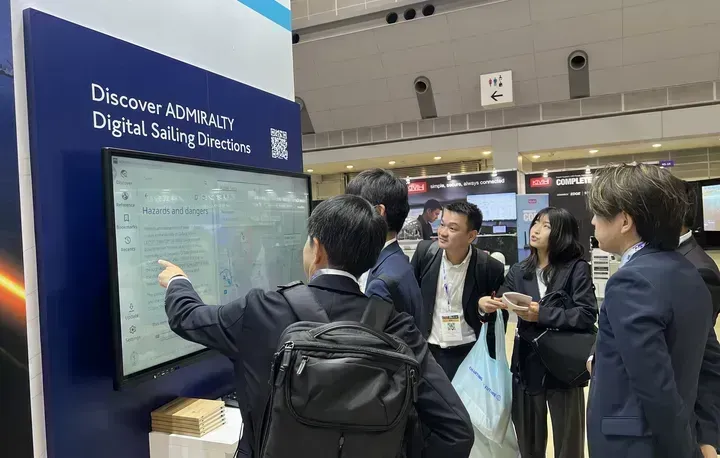
Customer onboarding and support
ADSD requires an Admiralty e-Nautical Publications (AENP) licence. Once a customer has been onboarded, the resources below will help you support installation, licensing and familiarisation.
- Software download instructions
- Guidance for installing ADSD
- Licensing ADSD in Fleet Manager
- Vessel playbook
- Familiarisation video
Pre-drafted email content
Share ADSD with your customers on email, this copy is a guide to help save you time and ensure consistency of communications.
Fleet Manager User Guide
Download the Fleet Manager User Guide to create vessel credentials, generate permit files and support customer onboarding.



Vessel Playbook
Download the Vessel Playbook to support customers with ADSD installation, activation and updates.



Training videos
ADSD familiarisation
Part 1 of the ADSD familiarisation series introduces the ADSD interface and its key features and layout.

Creating an ADSD licence for user without AENP
Learn how to create and configure an ADSD licence for a end user who does not currently have a AENP license
Creating an ADSD licence for user with AENP
Learn how to create and configure an ADSD licence for a end user who has a AENP license
Training sessions
ADSD Distributor Training – 16 September 2026
This training session gives distributors the knowledge and resources to support customers moving to ADSD.
ADSD Distributor Training - 12 August 2026
This training session gives distributors the knowledge and resources to support customers moving to ADSD.
ADSD Distributor Training - 13 August 2026
This training session gives distributors the knowledge and resources to support customers moving to ADSD.
ADSD Working Group meeting recordings
ADSD Working Group
June 2026 meeting recording
ADSD Working Group
May 2026 meeting recording
ADSD Working Group
July 2026 meeting recording
Further information
Below you can find answers to common questions about supporting ADSD customers.
Yes. Please provide the customer with the software files, licence key and Vessel Playbook to support installation onboard. The Playbook contains step-by-step guidance.
If the customer requires assistance with installation, licensing or activation, please contact UKHO Customer Services.
The IMO number helps identify the vessel and allows the UKHO and distributors to verify existing AENP arrangements to route enquiries appropriately.
Please contact UKHO Customer Services, who will be happy to help.
ADSD software can be downloaded from our public File Share Service website at https://fss.admiralty.co.uk. Please note that new users will need to register to use the site. A search for software will display the ADSD software installation files.